SMART Odoo Certification
Level 1
Odoo Foundations
Navigate, Buy, Sell & Understand Your Results
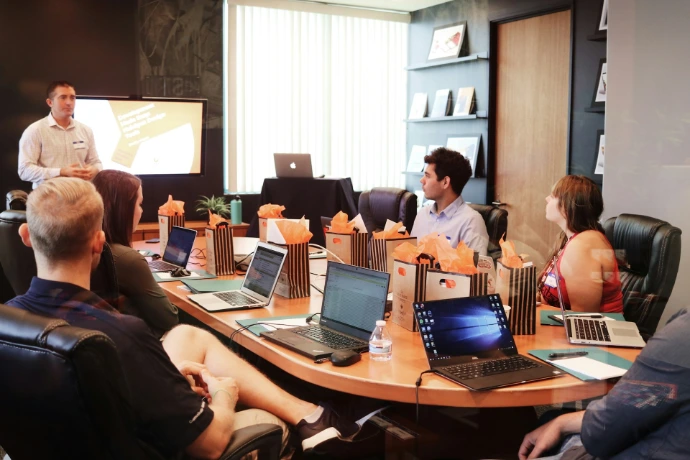
- Saturday, October 10, 2026 · 9:00 AM –12:00 PM
- In person at SMART-obc, Willemstad, XCG 99 per person
- 5 - 8 participants, coffee and light snacks included
Who it’s for
New Odoo users and staff working in operations, administration, customer service, purchasing, sales, or finance. No previous Odoo experience is required.
What to bring
Bring your own laptop and charger. You’ll need a current browser and access to the course training environment; login instructions will be provided before the session. No software installation is required.
Cost & Registration
Reserve your place
The course costs XCG 99 per person. Complete the registration form and we’ll send you bank transfer instructions. Your place is confirmed only once your payment has been received and verified. There are a maximum of eight places, and the session will go ahead with at least five confirmed participants.
What you'll learn
Course modules

1. Odoo Navigation Essentials
Start by learning how to find your way around Odoo. You’ll explore the applications menu, open records, and use breadcrumbs to move between screens. You’ll also see how list, kanban, and form views available.

2. Purchase to Pay (P2P)
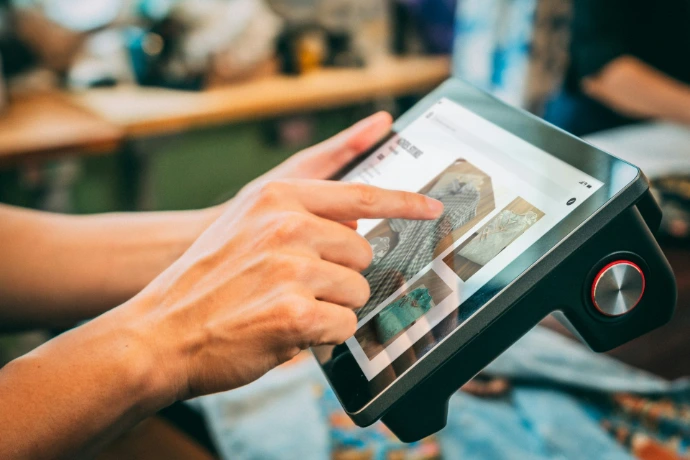
Buy products for Kas Papel from Antillas Paper & Print. Follow the request for quotation, purchase order, receipt, and vendor bill, including what happens when fewer items arrive than ordered.
3. Order to Cash (O2C)
Sell products to Banco Isla. Create a quotation, confirm the sale, deliver the products, issue an invoice, and see how payment status is tracked.
4. Record to Report (R2R)
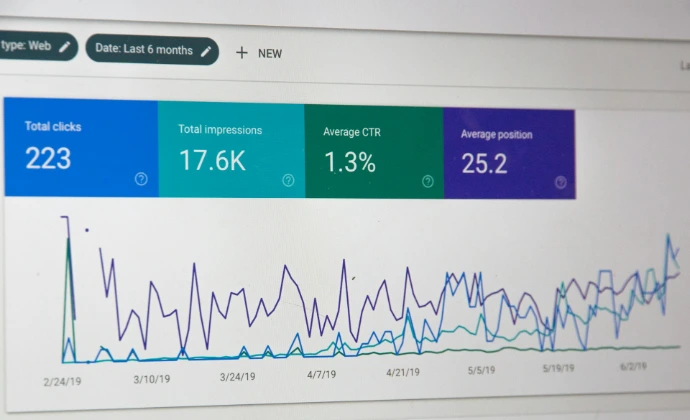
See where the transactions appear in accounting. Explore a journal entry, customer balance, and basic reports to understand what the business sold and earned.
Questions?
Frequently asked questions
Here are some common questions about our course.
No. This is a Level 1 introduction.
Yes. You’ll complete guided exercises in a training environment on your own laptop.
The exercises connect Contacts, Purchase, Inventory, Sales, and Accounting.
After SMART-obc has received and verified your bank transfer. Submitting the form alone does not secure a place.
Ready to Work Smarter with Odoo?
From implementation to optimization, integrations, and support, our team helps you get more value from one connected platform.